What a 3CX Support SLA Should Include for SMB Teams
A 3CX support SLA is not just a line item in a contract. For small and mid-size teams, it sets the rules for what happens when calls stop flowing, queues back up, agents cannot log in, or a hosted instance goes offline.
That matters because phone issues hit revenue, service quality, and staff confidence at the same time. A good SLA gives an SMB team clear expectations around response, restoration, uptime, and reporting. With 3CX, it should also cover queue-level service targets inside the phone system itself, not only the provider’s help desk process.
Why a 3CX support SLA matters for SMB phone teams
Many SMBs run lean. Even when there is an internal IT group, voice systems often share attention with every other business application. That creates a gap between owning 3CX and keeping it performing well every day.
A useful SLA closes that gap. It states who handles support, when they are available, how incidents are prioritized, what uptime target applies, and how performance will be measured. For teams using queues, ring groups, reporting, and AI-related features, this structure helps turn 3CX into a managed business system instead of a reactive project.
It also keeps the discussion practical. When a company compares licensing, cloud hosting, migration help, or a one-time system checkup, the SLA shows what is actually included after the sale.
Core 3CX support SLA components every SMB should expect
The strongest agreements cover both service availability and support operations. If one side is missing, the SLA will feel incomplete the first time a real problem appears.
A provider-facing SLA should spell out these areas clearly:
| SLA area | What it should define | Why it matters |
|---|---|---|
| Uptime target | Monthly or annual availability goal | Sets expectations for hosted reliability |
| Support hours | Business hours, extended coverage, or 24/7 | Prevents confusion during after-hours issues |
| Response times | Time to first reply by severity | Shows how quickly a case is acknowledged |
| Restoration targets | Expected time to recover service | Focuses on business impact, not just ticket updates |
| Severity levels | Critical, high, medium, low definitions | Makes escalation predictable |
| Maintenance windows | Planned update timing and notifications | Reduces surprise outages |
| Reporting cadence | Monthly or quarterly review metrics | Supports accountability |
| Service credits | What happens if targets are missed | Adds contract value and clarity |
That list is the minimum starting point, not a premium extra. SMB teams should expect each item to be written in plain language, with no gaps around who owns the PBX, the operating system, backups, updates, and vendor escalation.
3CX vendor support terms should not be confused with partner SLA terms
One of the most common mistakes in 3CX planning is assuming that vendor support terms and provider support terms are the same thing. They are not.
3CX’s own technical support access has eligibility rules. Official ticket support is available only for commercial 8SC+ licenses. 3CX also states that tickets are handled within office hours, excluding weekends and international holidays, with a stated support SLA of 48 hours upon ticket creation.
That is useful information, but it is not enough for most SMB teams that rely on phone service throughout the week. A business may need much faster first response, after-hours incident handling, or a provider that stays engaged through diagnosis, workaround, vendor escalation, and recovery.
A strong support agreement should make the separation clear:
- Vendor scope: product-level ticket handling, official bug review, platform guidance
- Partner scope: day-to-day admin support, troubleshooting, configuration fixes, user changes, vendor escalation
- Business impact: faster practical help for outages, call quality issues, routing problems, and queue failures
- Coverage window: whether support is limited to office hours or available after hours
- Escalation ownership: who opens and manages the ticket with 3CX when needed
This is where a managed provider can make a big difference. A team may buy a valid license and still need outside help to keep the system stable, tuned, and current.
Queue-level SLA settings in 3CX should be part of the agreement
A 3CX support SLA should not stop at server uptime. For teams that answer customer calls through queues, service levels inside the PBX are just as important.
3CX includes a queue-level SLA Time setting. This setting is active, not decorative. It is used for queue notifications and for reporting in SLA Statistics and SLA Breaches. That means an SMB can define a target wait time for a queue and track where service falls short.
This changes the conversation from “the phone system was up” to “calls were answered within the time the business promised.”
 That is a much better standard for support and operations.
A queue-focused SLA should address:
- Target wait time per queue
- Overflow handling
- Callback options
- Supervisor notifications
- Missed-call follow-up
- Business-hour and after-hour routing
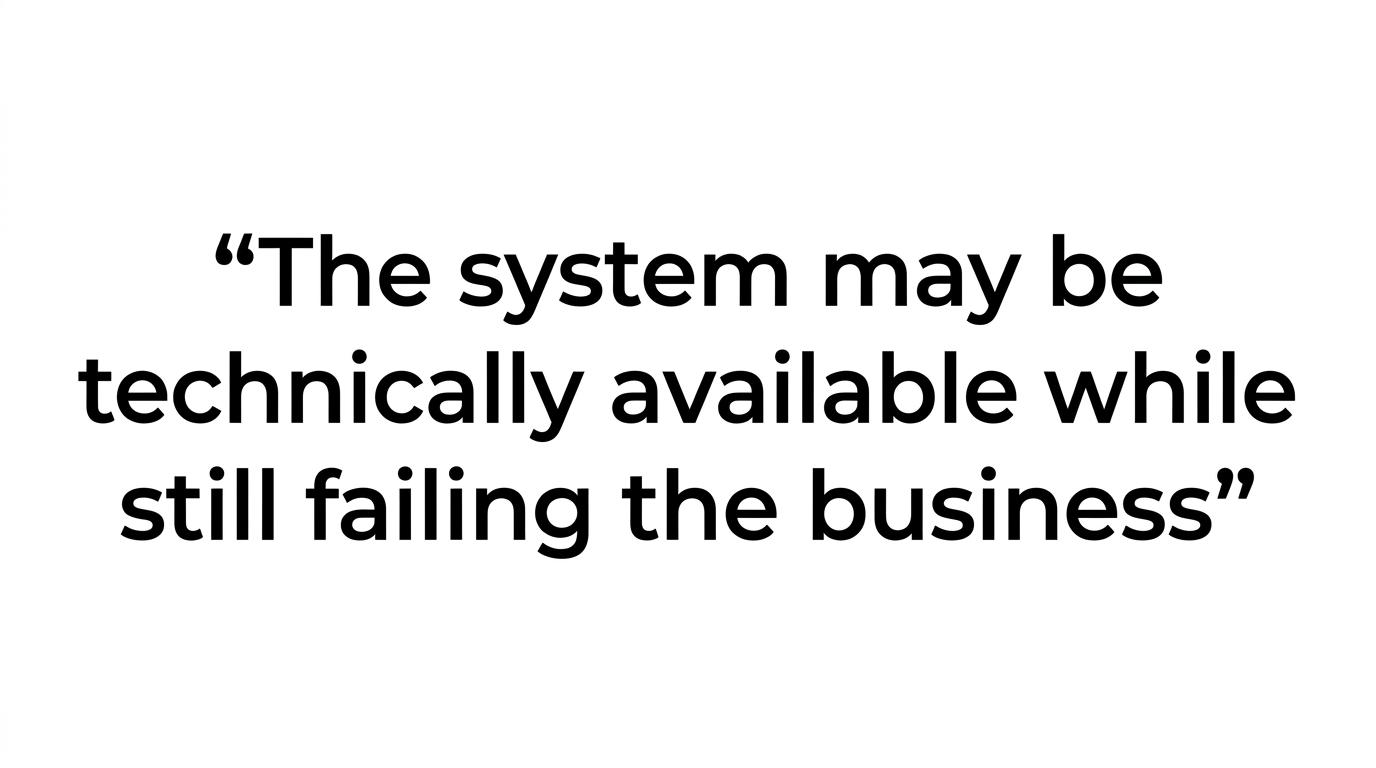
For support desks, sales teams, medical offices, legal intake, and service dispatch, these settings have real commercial impact. If a queue’s SLA Time is 30 seconds and callers regularly wait 90 seconds, the system may be technically available while still failing the business.
Queue login behavior affects SLA performance more than many teams expect
3CX queue performance depends on agent participation, not just call routing rules. Queue members must be logged into a queue to answer calls. 3CX also allows auto login and logout based on user status.
That sounds simple, but it has major SLA value. If agents forget to log in, or if status changes do not match staffing patterns, the queue can breach targets even when enough staff are technically on shift. A good SLA should include operational checks and support for this area, especially after onboarding, schedule changes, or remote work expansion.
In practice, this means the support team should review whether:
- Agents are correctly assigned to the right queues
- Status rules map to actual work patterns
- Auto login and logout settings are helping instead of hurting
- Supervisors can see queue participation in real time
- Escalation paths trigger when waiting calls rise too quickly
These are small settings with large effects. Fixing them can raise answer rates without adding headcount.
3CX reporting should be named directly in the SLA review process
An SLA is only useful if it can be measured. 3CX has built-in reporting tools that support this well, and they should be named in the service review process instead of left as optional extras.
3CX reporting includes SLA Statistics, which shows the total number of calls received and the number and percentage of missed calls according to the SLA. It also includes SLA Breaches, which shows how many calls have been waiting too long based on the configured SLA Time. The Queue Performance Overview summarizes calls received, handled, and not handled per queue, with agent-level detail.
Queue statistics are also visible in the Agent Status and Queue Monitoring sections of the 3CX Web Client panel.
Det samme fokus på konsekvent logning og opfølgning går igen i Partnerdialogs gennemgang af calling, logging og rapportering, som understreger hvor meget datakvaliteten betyder, når telefonindsats skal vurderes på tværs af teams.
That gives supervisors a live view while also supporting periodic reporting.
A practical reporting routine may include:
- Weekly review: missed calls, breach counts, peak periods
- Monthly review: queue trends, agent participation, recurring routing issues
- Quarterly review: staffing fit, call flow changes, uptime history, upgrade planning
When these reports are part of the SLA, conversations shift from opinion to evidence. That helps teams decide whether the next step should be training, a routing adjustment, more trunks, better hosting, or tighter support coverage.
Hosted 3CX SLA terms should define who manages what
Hosting changes the support picture in a big way. Some businesses still run 3CX on premises. Others want to move into the cloud to reduce maintenance work and improve resilience. In either case, the SLA should state exactly what is managed.
3CX describes its hosted service as monitored 24/7, with an average SLA time of 99.99%. It also states that it manages 3CX and the operating system, including security patches and version upgrades, for that hosted service. That gives SMB buyers a strong benchmark when they compare hosting options.
Still, not every hosted environment is the same. One provider may include routine health checks, patch management, and restore testing, while another may only host the virtual machine. The SLA should remove any guesswork.
Here are the most useful hosting questions to ask before signing:
- Uptime goal: what percentage is promised, and how is it measured?
- Monitoring: is the instance watched 24/7 or only during business hours?
- Patch ownership: who applies 3CX updates and operating system security fixes?
- Backup policy: how often are backups taken, tested, and retained?
- Restoration target: how quickly can service be brought back after failure?
- Maintenance notice: how much warning is given before planned work?
- Service credits: what remedy applies if uptime or support targets are missed?
For SMB teams moving from on-premises 3CX into the cloud, these answers are often more important than raw hosting price.
Severity levels should match actual business impact
A flat “we answer tickets within X hours” statement is rarely enough. Voice incidents vary too much. A full outage needs a different path than a voicemail question or a user extension change.
That is why the SLA should define severity levels with business examples. A solid structure may classify a total inbound outage, widespread one-way audio, or a failed call queue as critical. A single-user issue or a reporting question may be medium or low.
The key is to tie severity to impact, not to technical jargon. SMB leaders need to know what gets immediate attention, what can wait for standard hours, and what steps happen during escalation.
This is also where a one-time 3CX system checkup can fit nicely. It helps identify risks before they become critical tickets, especially around routing logic, update status, reporting setup, trunk health, and queue design.
The best 3CX support SLA creates room for optimization, not just repair
A support agreement should do more than react to outages. It should support smarter use of the platform over time.
For many SMBs, 3CX is now part phone system, part customer service hub, part reporting tool. Teams want help with queue tuning, call reporting, AI-related features, cloud migration, licensing changes, and user adoption. Those needs sit between “break/fix” and “consulting,” and the SLA should make space for them.
That may include scheduled reviews, change assistance, reporting guidance, queue tuning, or post-upgrade validation. These are practical services that help businesses get more value from 3CX without adding internal workload.
When the SLA is written well, it gives decision-makers a simple framework: what level of availability they can expect, how quickly help arrives, how queue performance is tracked, and who is responsible when something needs attention. For SMB teams that depend on 3CX every day, that clarity is a real operational advantage.
Ready to Optimize Your 3CX System?
Get expert guidance with our $49 system checkup.