VoIP
3CX SBC Setup Service: Remote Office & Home-Worker Connectivity That Actually Works
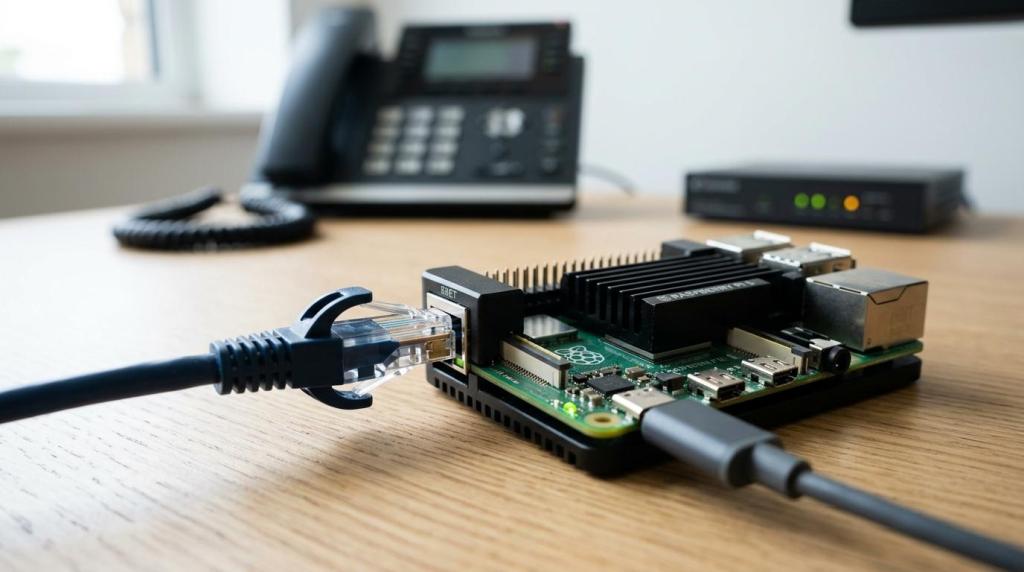
When a remote office has several desk phones, the difference between “connected” and “usable” usually comes down to the SBC setup. We are VoIP provides 3CX SBC setup services for small to mid-size businesses that need remote offices and home-based teams to connect reliably to a cloud 3CX instance or a remote on-premise 3CX system.…
Read More3CX + HubSpot Integration: What’s Possible (Click-to-Call, Logging, Screen Pops) and Best Practices

A 3CX and HubSpot connection can give sales and support teams a much cleaner daily workflow. Instead of jumping between a phone system and a CRM, users can place calls from HubSpot, match inbound calls to existing contacts, and keep call activity tied to the right record. That sounds simple, but the details matter. Official…
Read MoreSTIR/SHAKEN for Business VoIP: Caller ID Authentication, Spam Labels, and What To Do

STIR/SHAKEN caller ID authentication shapes whether your business VoIP calls get answered or flagged as Spam Likely. Learn how it works and what to do about it.
Read More3CX Phone System Costs in 2026: Licenses, Hosting, and Phones

Budgeting for 3CX in 2026 is easier than many cloud phone systems because the core subscription is not priced per user. The tradeoff is that accurate sizing matters: the right simultaneous-call level, the right edition, and a hosting model that fits the business’s support expectations. A clear cost plan usually comes down to three buckets:…
Read More3CX Call Reporting: KPIs Every Support Team Should Track

Support teams do not need more calls. They need clearer signals about what is happening inside those calls, inside the queues, and across the day. 3CX call reporting can provide those signals quickly, but only when the team agrees on a small set of KPIs and reviews them in a consistent way. A good KPI…
Read MoreHow to Migrate 3CX from On‑Premise to the Cloud Without Downtime
Keeping calls flowing while moving 3CX from an on-prem server to the cloud is very realistic when the migration is treated like a parallel deployment, not a “move everything on Friday night” event. The goal is simple: build the new system to match production, test it hard, then switch traffic over with a cutover that…
Read MoreThe Ultimate 3CX Setup Checklist for New Deployments
A new 3CX deployment can feel deceptively simple: install the software, add a SIP trunk, provision phones, and start calling. The teams that end up happiest with their system usually treat it more like a production service rollout than a quick app install. A checklist keeps the project steady, reduces rework, and helps avoid the…
Read More3CX Security Hardening: Best Practices to Prevent SIP Fraud
3CX can be a strong, cost-effective phone system for small and mid-size organizations, yet it sits on a part of the network that attackers probe constantly: inbound SIP, remote registrations, and outbound dialing. Security hardening is not about adding one “magic” feature. It is about reducing exposure, forcing encryption, tightening authentication, and putting firm guardrails…
Read More3CX Hosting Options Compared: 3CX Hosted vs On-Prem vs Private Cloud

Choosing where 3CX should run is less about “cloud vs not cloud” and more about day-to-day responsibility. Someone has to patch the OS, monitor resource usage, keep backups workable, harden the firewall edge, and plan capacity before busy seasons hit. The hosting model decides who owns that work and how quickly changes can be made…
Read More3CX Troubleshooting: Essential Tips for Success
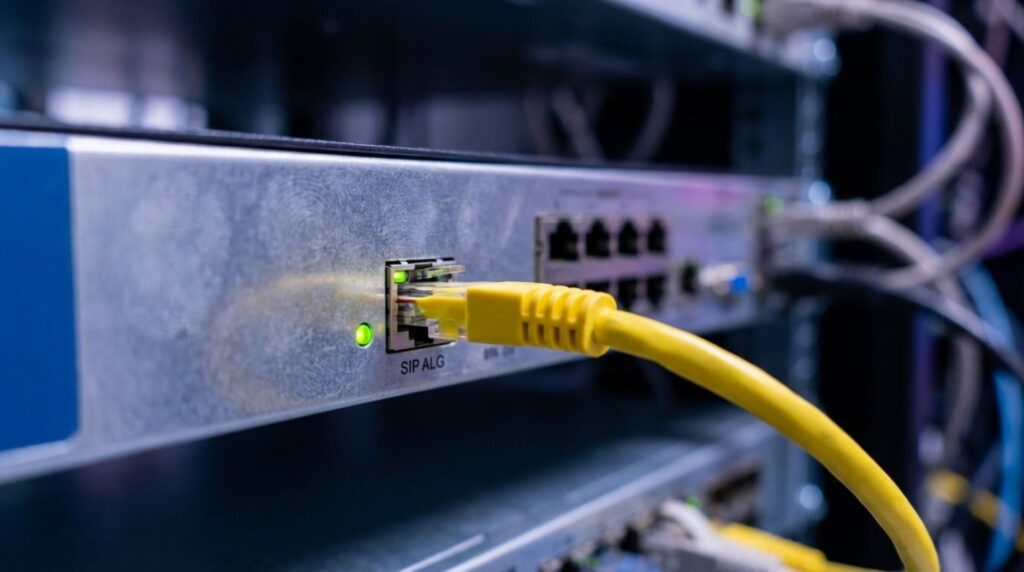
When a 3CX phone system misbehaves, the fastest fix usually comes from resisting the urge to change settings at random. Most issues fall into a few repeatable buckets: network and NAT, SIP trunk registration, routing rules, endpoint provisioning, or server resource limits. A calm, structured approach tends to solve problems quicker and keeps small issues…
Read More